Last updated
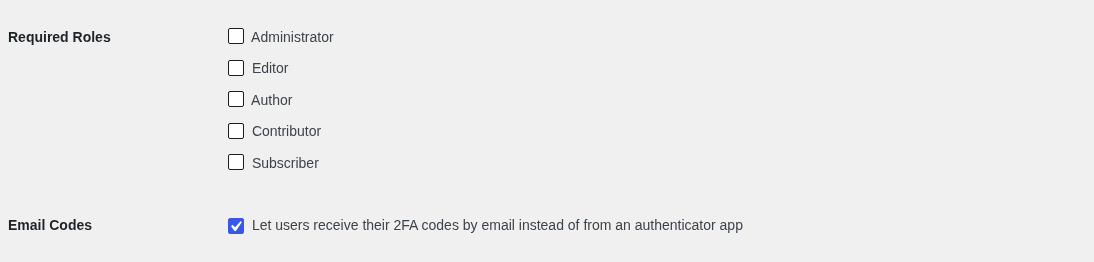
The 2FA settings are under Theme My Login → 2FA. Choose which roles must use 2FA and whether users can get their codes by email instead of from an app.
Users turn 2FA on for themselves from their profile. See Setting Up 2FA.
On a multisite network, the settings are in the Network Admin and apply to every site on the network.
Required Roles
Users with a checked role must turn on 2FA. Until they do, every page they visit sends them to their profile with the notice "2FA is required for your account and must be enabled below before you may proceed." They can still log out. No roles are checked by default.
You can only check a role once 2FA is on for your own account. That proves 2FA works on the site, and leaves at least one administrator who can get in to change the setting. Unchecking a role always works.
On a multisite network, a user's role on the site they're visiting is the one that counts.
Email Codes
Check "Let users receive their 2FA codes by email instead of from an authenticator app" to let users choose email when they set up 2FA. Each emailed code is good for 10 minutes. It's unchecked by default.
Users who already get their codes by email keep doing so if this is unchecked later, so they aren't locked out.